Discover the Best Canva Elements Keywords to Elevate Your Designs
Find the Right Elements with These Canva Keywords
Are you looking for the best Canva elements keywords for your next design?
If so, you’ve found the right place.
Using keywords makes it easy to find the best elements without wasting time scrolling through tons of graphics. Although Canva offers some of the best design elements, sometimes we struggle to find the perfect search term.
Well, I have good news.
In this blog post, we’ll not only share keywords that will help you find the perfect Canva elements, but you’ll also create beautiful designs in a fraction of the time.
Let’s jump right in.
What is Canva and How Does it Work?
Canva is a free online design software that offers a ton of features such as stock photos, templates, graphic elements, fonts, and photo filters.
You can use Canva’s design tools to create social media graphics, Pinterest pins, and lead magnets.
Although the free version of Canva will meet most of your graphic design needs, you may need more design options and features. The Pro Version gives you access to premium elements, unlimited folders, a brand kit, and other features not available in the free plan.
Honestly, Canva is a remarkable design tool for bloggers, content creators, Etsy sellers, and small business owners who are just getting started and don’t need the bells and whistles of a professional design software.
How to Use Canva’s Search Feature to Find the Best Element
Canva’s powerful search feature allows you to search for a specific keyword to find the best element for your project.
Here’s how to access the search bar:
- Head to the Editor Side Panel
- Then, click Elements
- Type your keyword in the search box and hit enter
- Then, click the element to add, or drag and drop it into your project
In addition, Canva offers a filter option to narrow your search by color, orientation, animation, and price (free versus pro).
I love this feature because it simplifies my design process. For example, instead of scrolling through all the graphics when I’m creating my Pinterest pin, I can filter my search to return only vertical images.
If you like a graphic, use the View More By option or the See More Like This feature to find similar elements from the same designer.
Canva also allows you to view additional keywords on an element. All you need to do is hover over a graphic, click the three vertical dots, and a list of additional keywords will appear.
List of the Best Canva Elements Keywords
Canva offers several elements that you can use to create beautiful graphics.
Here is the type of Canva elements Canva:
- Line and Shapes
- Graphics
- Stickers
- Photos
- Videos
- Audio
- Charts
- Tables
- Frames
- Grids
As you go through the list, you’ll notice that you can mix and match the keywords to refine your search and create an endless combination of keywords.
For example, you can search for watercolor backgrounds, flower patterns, or vintage borders.
Also, you can use the keywords with any of the listed elements. For instance, you can search for monoline frames, boho photos, or nature videos.
Keywords for Background Elements:
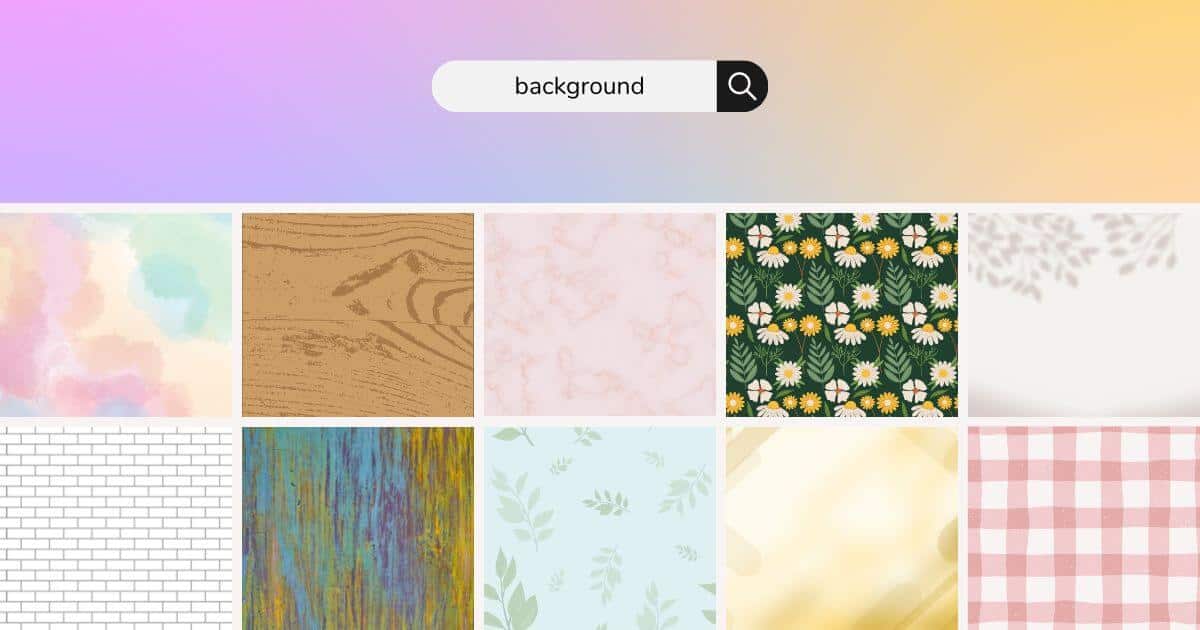
You can use Canva background elements to create a stunning visual backdrop for your designs, from social media graphics and presentations to digital products and mockups.
- Wooden
- Landscape
- Marble
- Seamless Pattern
- Rose Gold
Pro tip: Use the transparency feature to lighten your backgrounds and create semi-transparent images
Keywords for Color Element:

Sometimes you have an idea for your design but can’t always visualize it. Perform an individual search with these color keywords or combine them with other keywords to find the perfect element for your projects.
- Watercolor
- Vibrant
- Pastel
- Neon
- Earth Tone
Best Canva Keywords for Brush Elements:
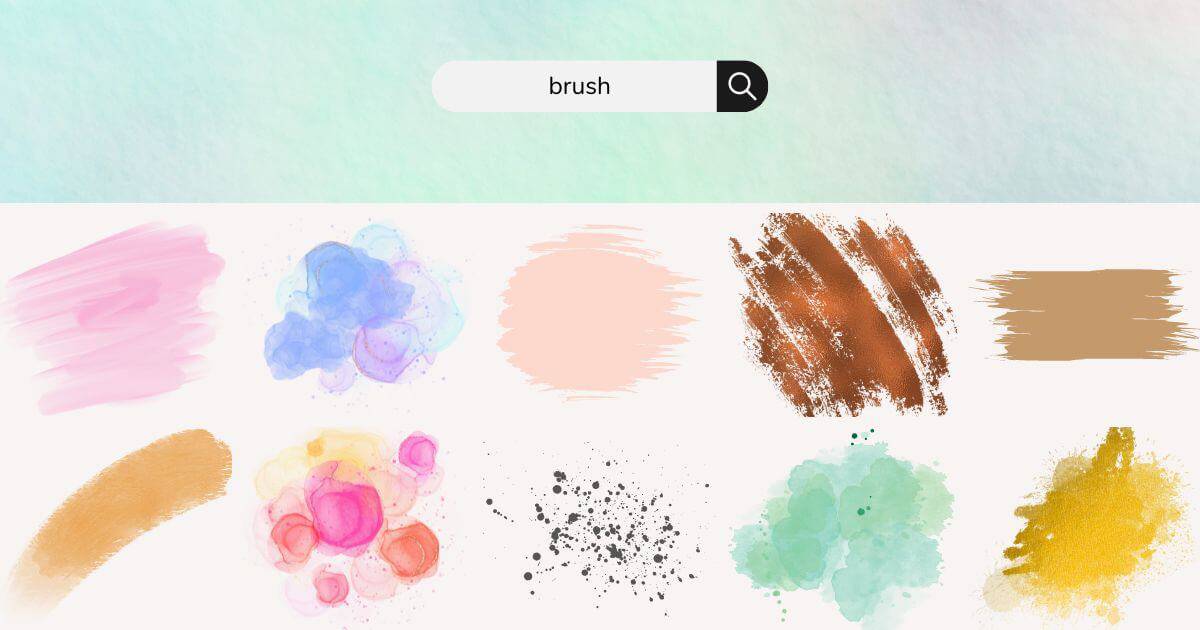
Use Canva’s brush elements to add a little razzle-dazzle or finishing touch to your designs.
- Brushstroke
- Watercolor Brush
- Paint Splash
- Paint Splatter
- Swatches
- Smear
- Smudge
Keywords for Shape Elements:

Canva’s shape elements are a great way to add a base point or extra flair to your designs. Here are some of the best shape keywords to get you started.
- Diamond
- Line
- Geometric
- Circle
- Rectangle
- Splash
- Blob
- Bubble
- Frame
Keywords for Objects Elements:
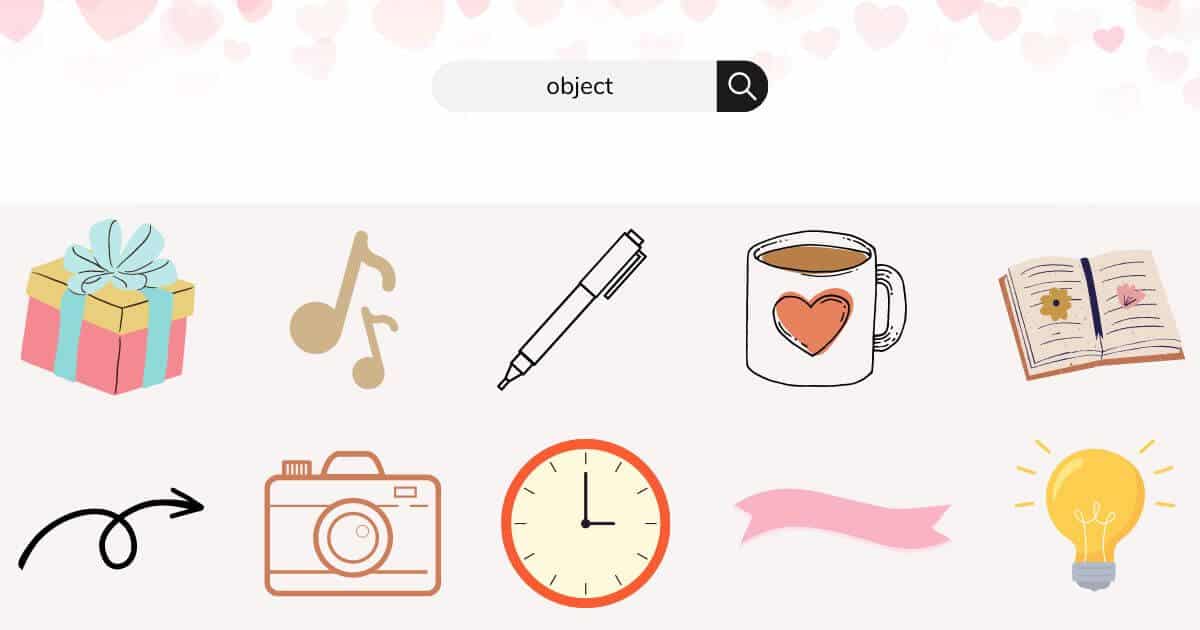
You can use different objects to add emphasis to your projects.
- Arrow
- Drop
- Dot
- Heart
- Ribbon
- Light Bulb
- Musical Note
- Coffee
- Book
- Journal
- Daily Planner
Canva Elements Aesthetics Keywords:
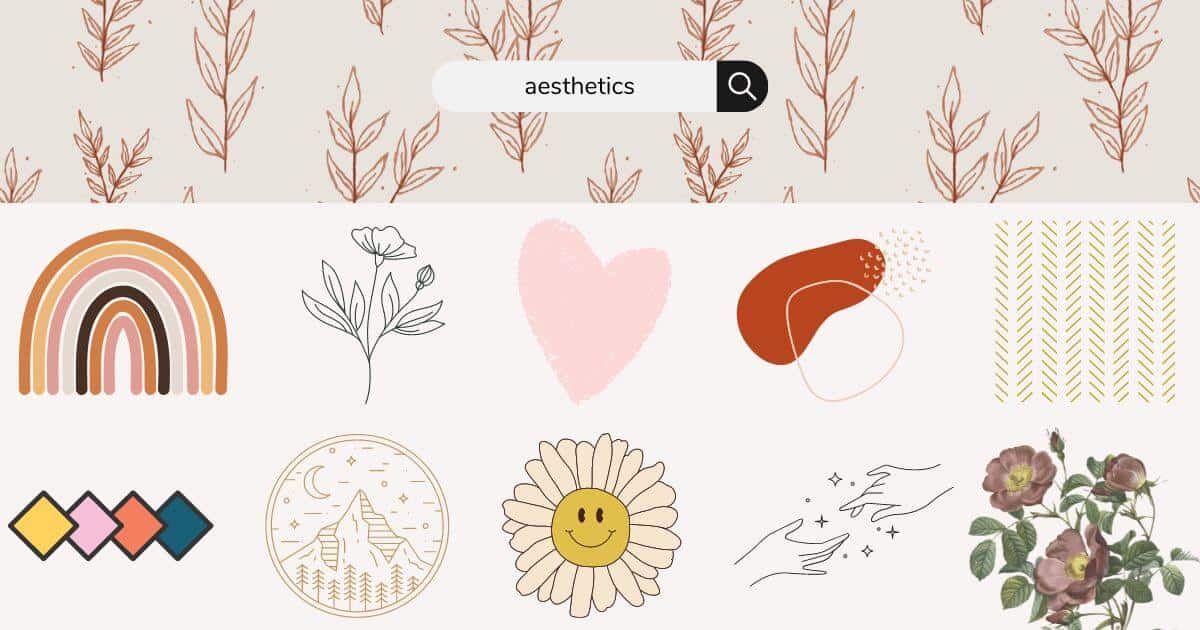
Although we want our designs to evoke a certain vibe, the right keywords don’t always come to us. To help you achieve the aesthetics you’re after, here are some of the best Canva elements keywords for various design styles.
- Abstract
- Boho
- Groovy
- Funky
- Modern
- Retro
- Vintage
- Rustic
- Minimal
- Monoline
- Line Art
- Soft
Pro tip: Mix and match the aesthetics keywords with other elements, such as a vintage book, abstract circle, or retro background
Canva Keywords for Character Elements:
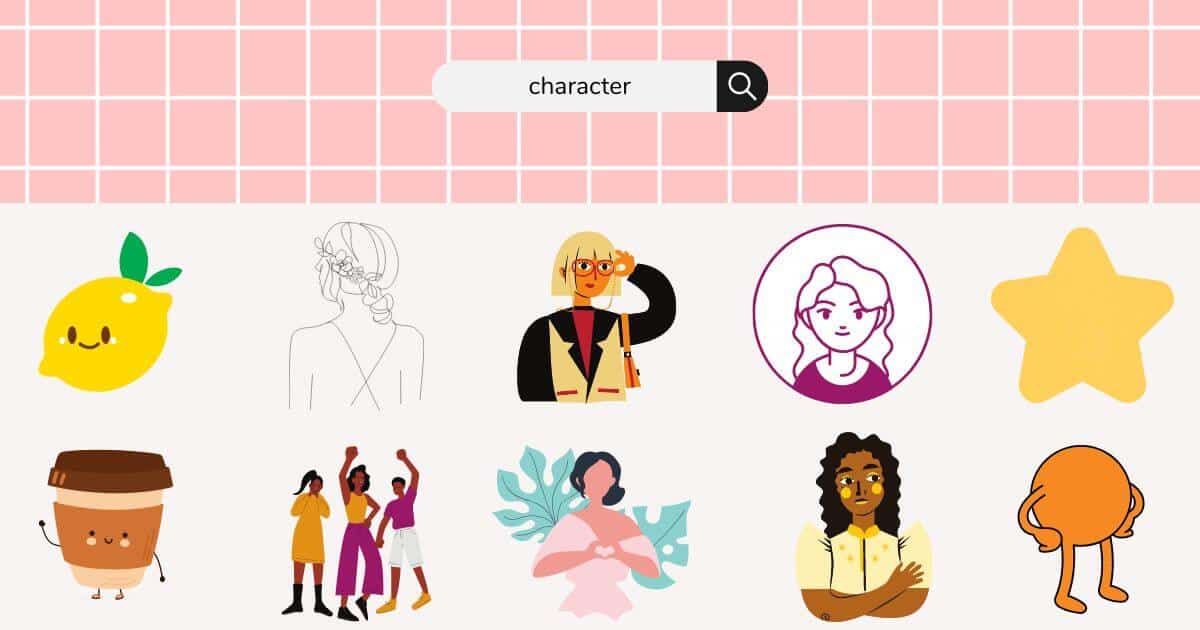
Add some fun and personality to your designs with character elements.
- Cartoon Character
- Comic Character
- Food Character
- People
- Friends
- Portraits
- Office Worker
- Line Art Character
Canva Keywords for Feminine Elements:
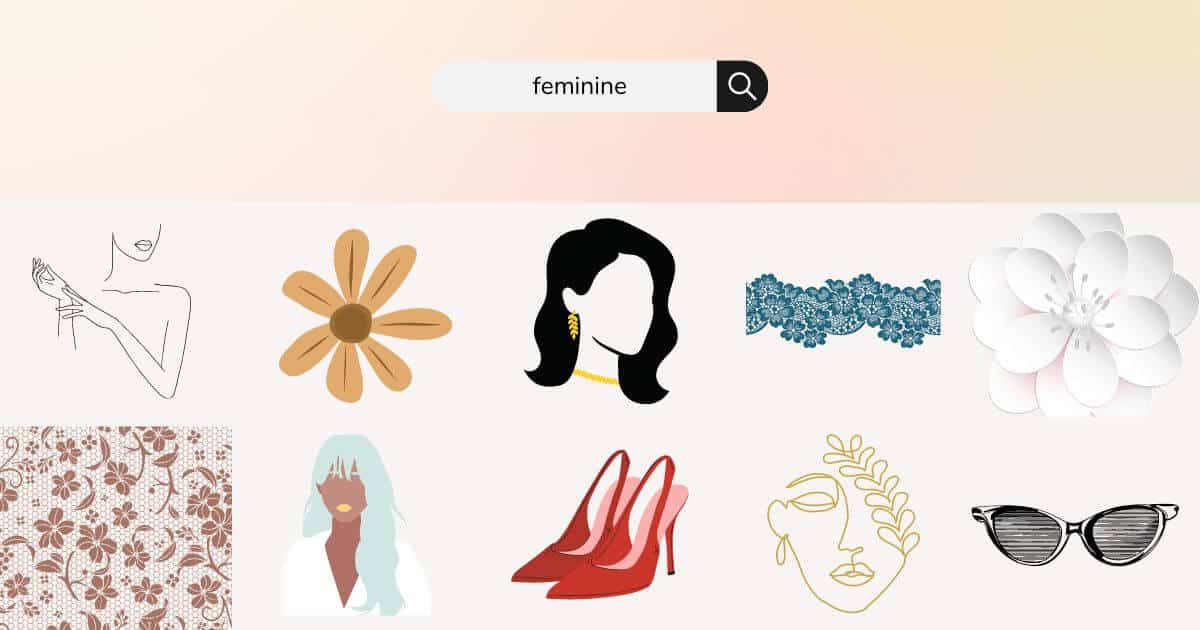
If you’re in the lifestyle, personal development, or beauty niche, I think the simplicity of feminine elements can add a delicate touch to your designs.
- Lady Lines
- Floral Face
- Block Lady
- Vogue
- Lace
- Chic
- Woman Silhouette
- Fashion Illustration
- Feminine Beauty
- Woman Outline
- Working Woman
- Business Woman
Best Canva Keywords for Hand-Drawn Elements:
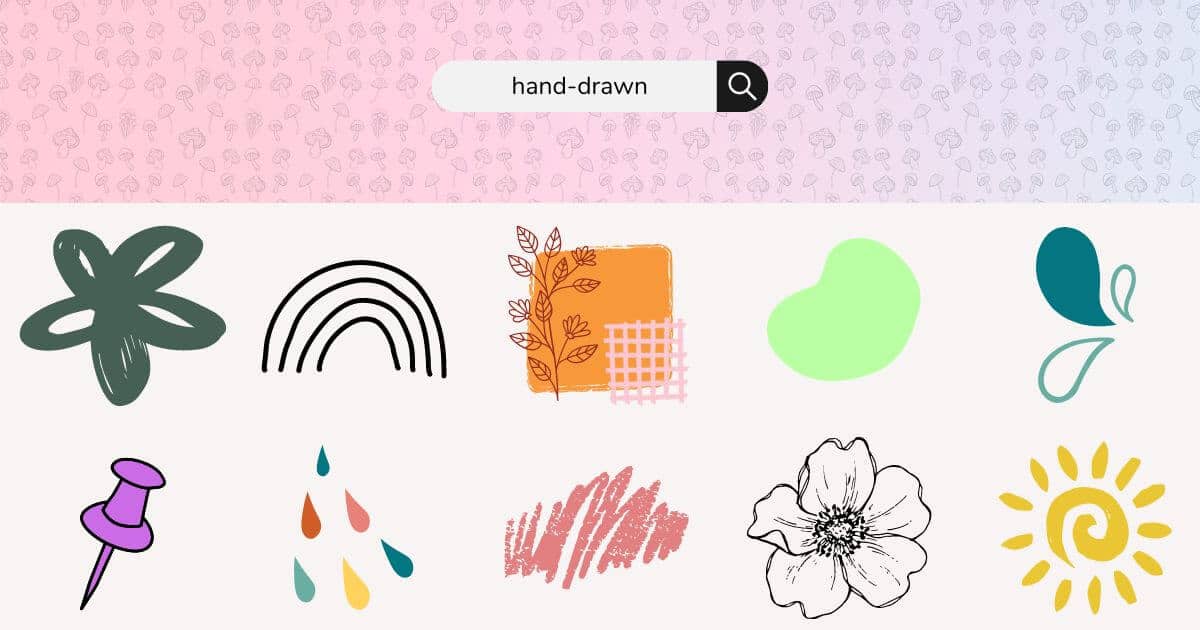
Hand-drawn elements give your designs a unique, fun, and personal touch. I love to use hand-drawn elements because they have a laid-back vibe but still add emphasis to my designs.
- Doodles
- Freeform
- Pencil Freeform
- Squiggle
- Scribble
- Sketch
Pro tip: If the colorful tile appears when you select your element, that means you can change the color to create a unique design
Canva Decorative Elements Keywords:
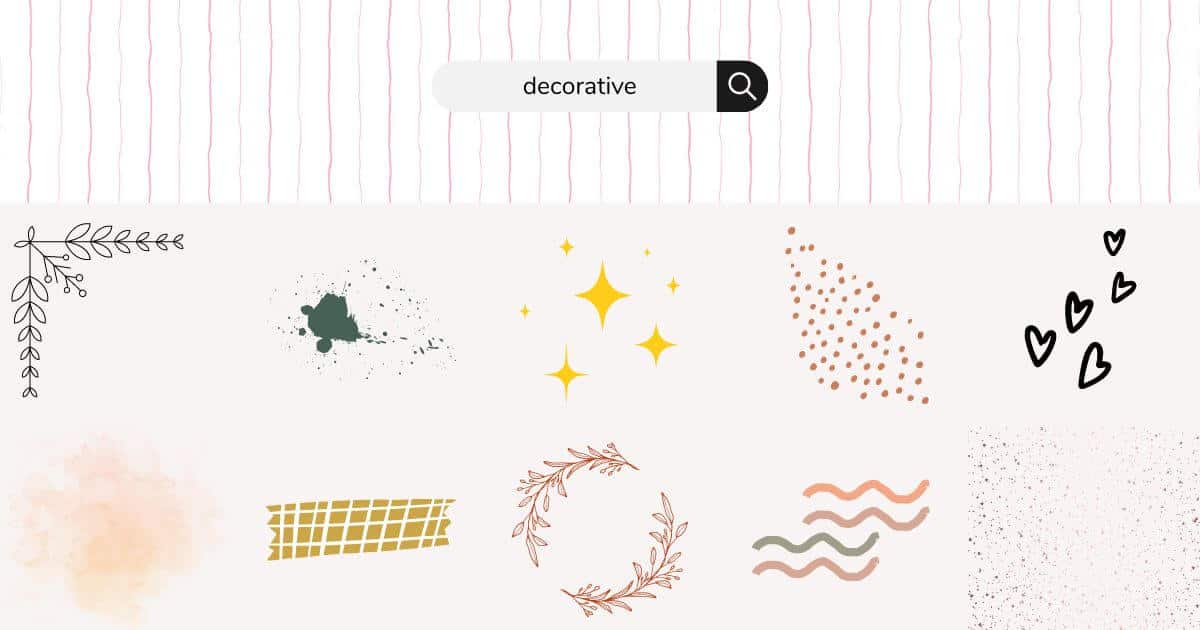
Decorative elements work well if you want to draw attention to your design or add a subtle touch.
- Glitter
- Washi Tape
- Border
- Waves
- Sprinkle
- Dots
- Sparkle
- Wreath
- Smoke
- Dust
- Decorative Line
Keywords for Organic Elements:
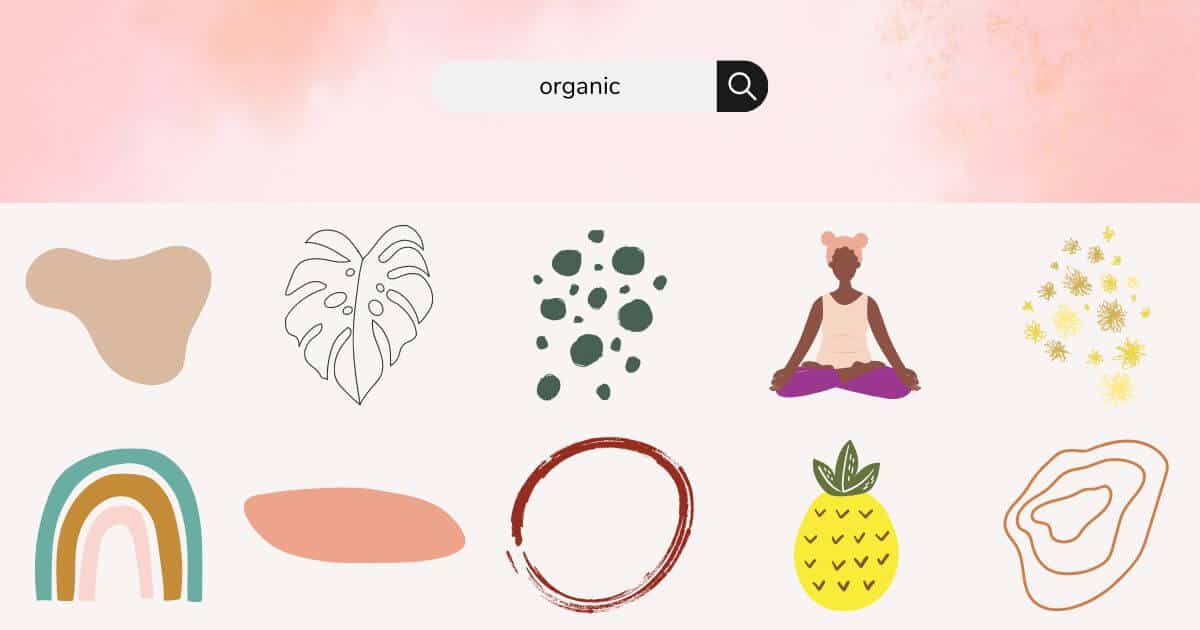
Organic elements have an asymmetrical look and work great for adding a natural feel to your designs.
- Organic Lines
- Organic Blob
- Organic Rainbow
- Organic Summer
- Organic Pattern
Best Canva Search Terms for Nature Elements:
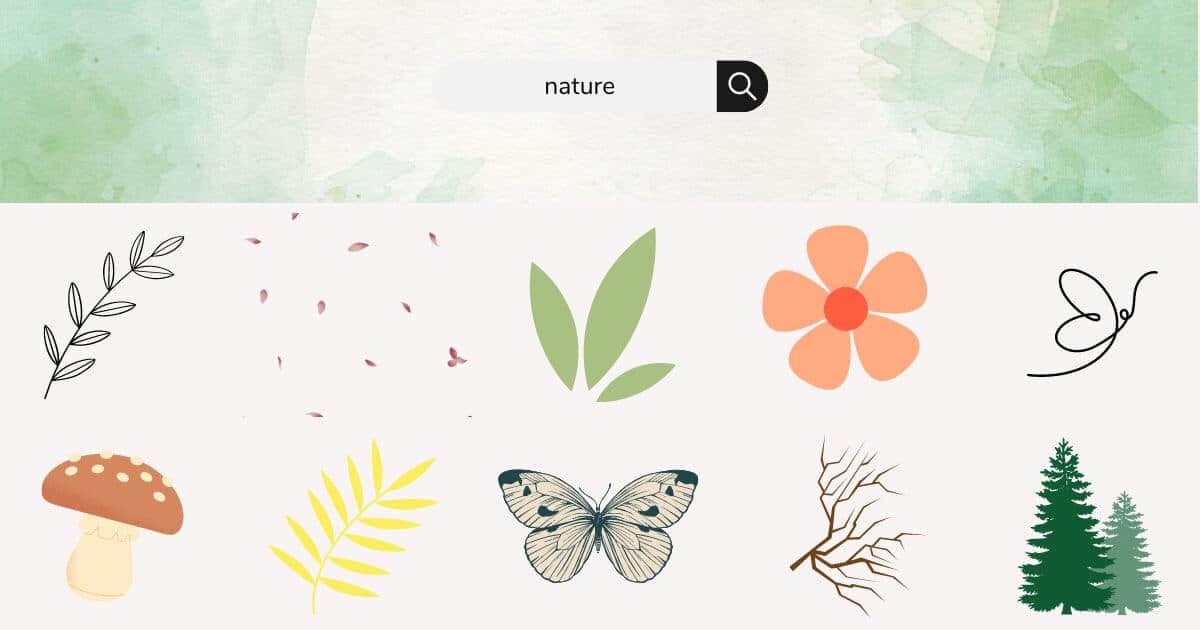
I love to use nature-related elements to add balance and beauty to my designs.
- Branch
- Tropical
- Trees
- Plant
- Dried Flowers
- Botanical
- Petals
- Leaves
- Flowers
- Feather
- Butterfly
Keywords for Mystical Elements:
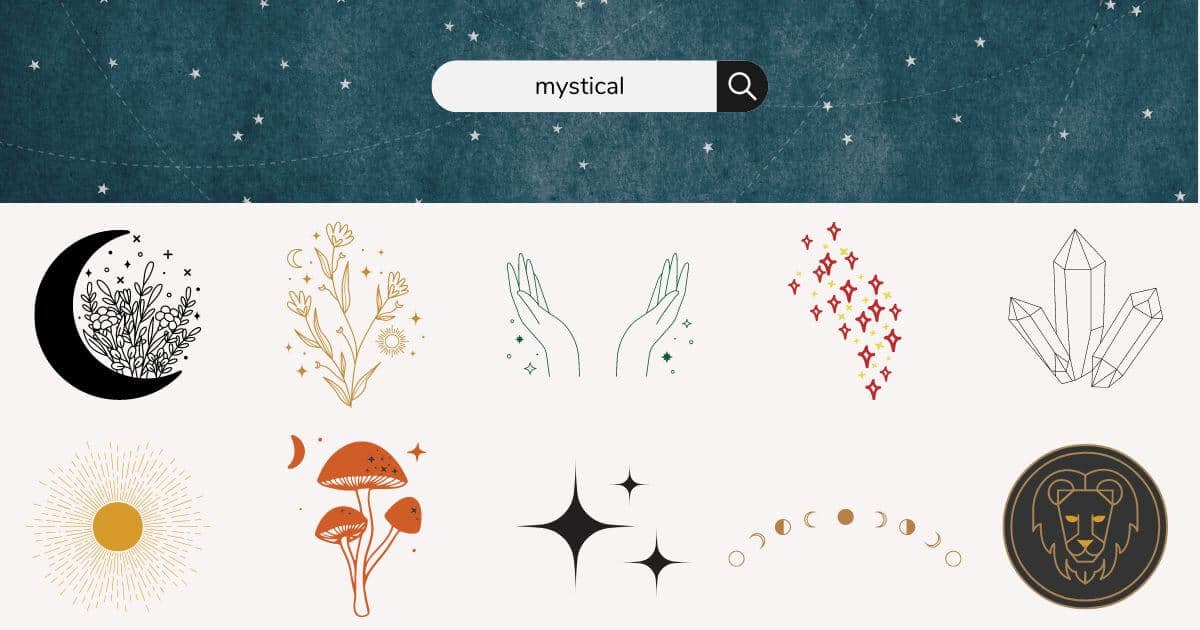
Mystical elements are perfect for adding a bit of mystery, fantasy, or spiritual touch to your designs and work well for drawing attention to your projects.
- Crescent Moon
- Shooting Star
- Clouds
- Star
- Moon
- Magical
- Moon Phases
- Zodiac Symbols
- Dreamcatcher
- Rain
- Celestial
- Ethereal
- Sun
- Crystals
- Fairy
- Unicorn
- Angel Wings
Best Search Terms for Texture Elements:
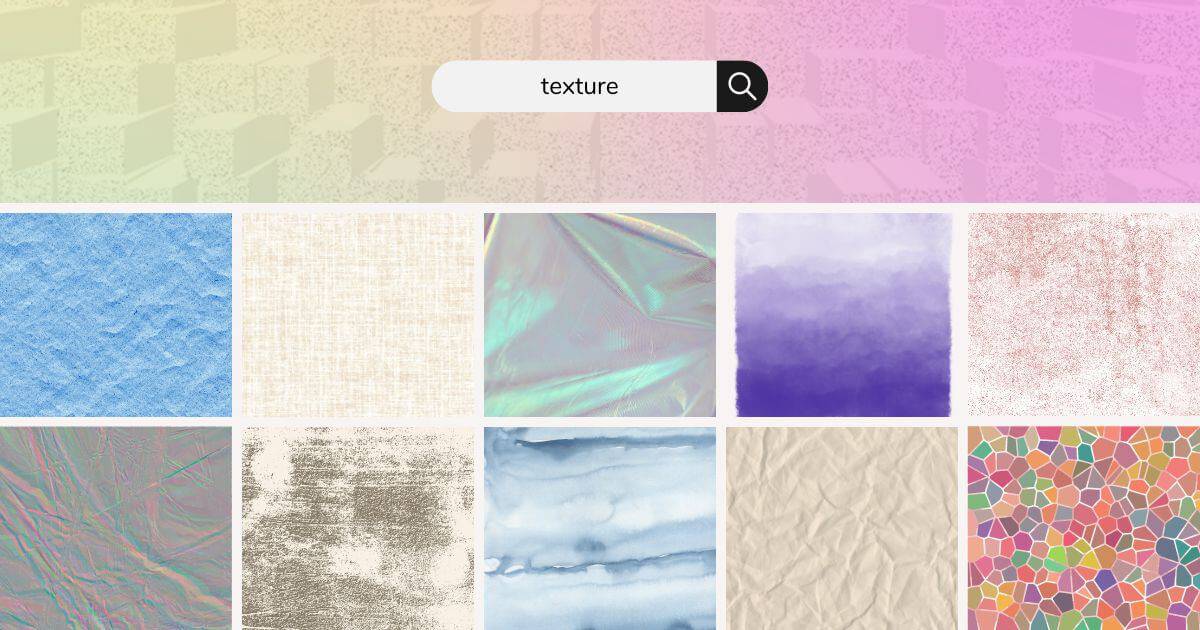
You can use Canva texture elements as a background or a way to add some interesting contrast to your designs.
- Grunge
- Watercolor
- Stained Glass
- Paper
- Fabric
- Grain
- Metal
- Canvas
- Gradient
Canva Keywords for Seasonal Keywords:
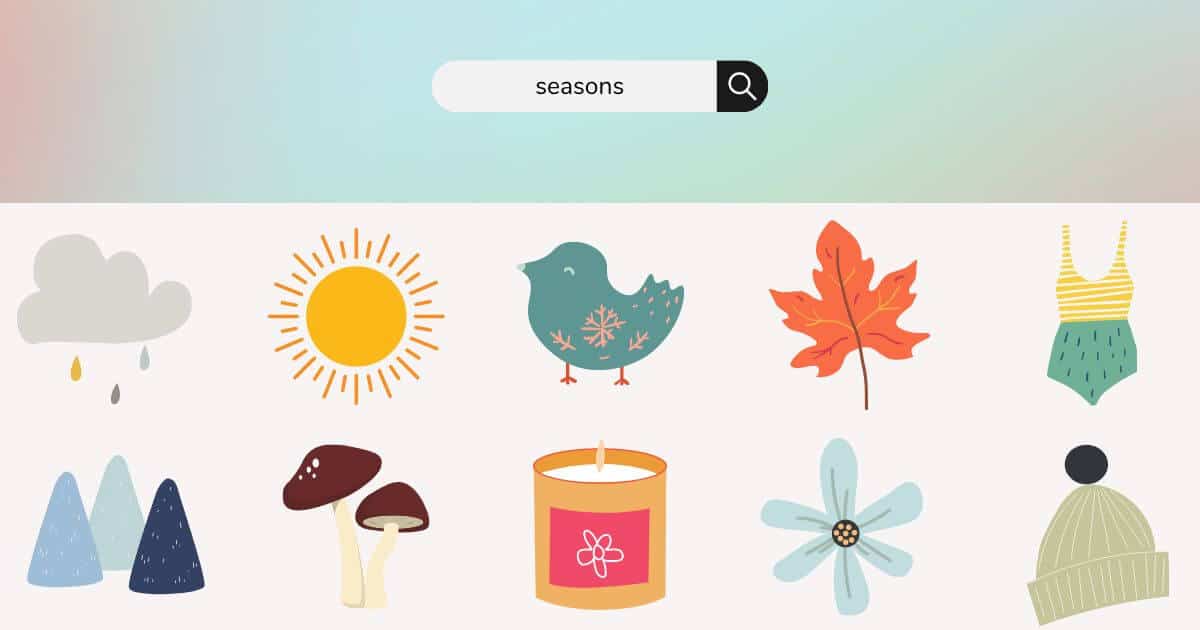
Canva seasonal keywords are perfect for designs related to holidays and special occasions.
- Fall Leaves
- Falling Leaves
- Snowman
- Snow
- Rainy
- Cozy
- Palm Tree
- Sunshine
Best Search Terms for Word Elements:
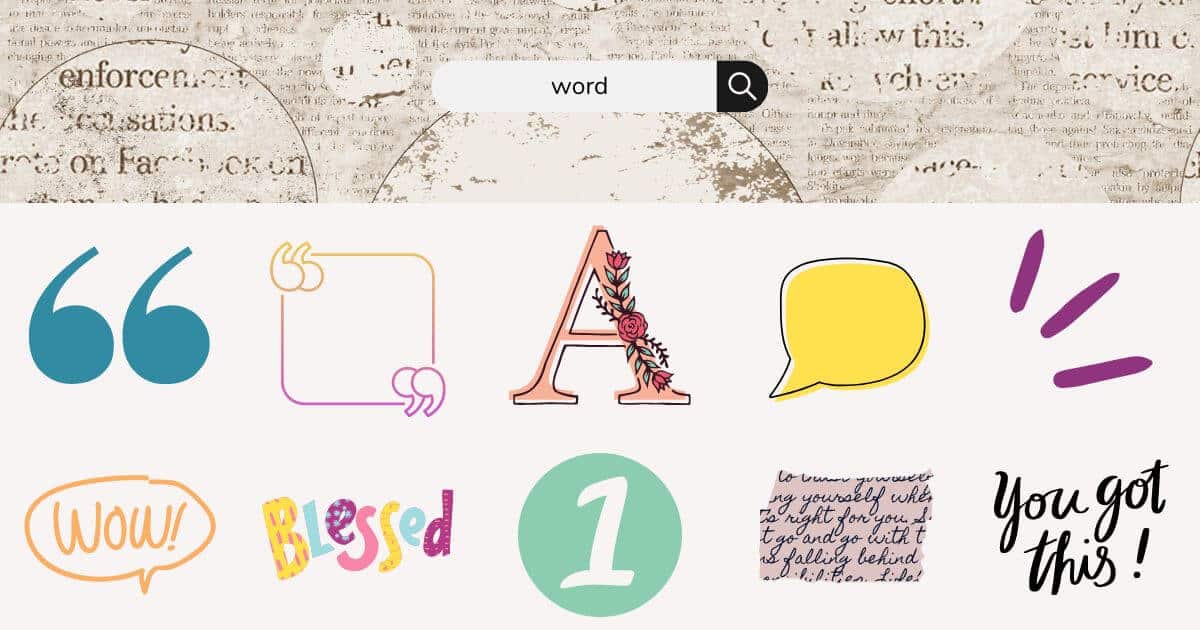
Canva’s word elements can help you set the tone and message for your design. Use them as the main focal point or a pretty decor.
- Quotes
- Typography
- Floral Typography
- Neon Words
- Word Bubble
- Handwritten
- Quotations
- Numbers
Conclusion on Best Canva Elements
And there you have it—tons of Canva elements keywords you can use to find the perfect graphic for your designs.
I use Canva daily for all my digital marketing, and couldn’t imagine my life without it. I hope you found some goodies from this list to help you create beautiful designs for your business.
What elements are you planning to use in your next design? Share in the comments.
Related Canva Articles
Did you find this post helpful? Pin for later!